
CSS Gradient Generator
Ramps that stay alive in the middle, with the interpolation you choose.
Last updated: November 1, 2026
Pick a color
From anywhere on your screen, straight out of an image, or by typing any CSS color.
The overlay covers the whole screen — including other tabs, apps and images — hover to preview a pixel, click to capture it. Nothing is read or stored until you click, and the picked value is a plain sRGB hex.
Color inspector
Every notation at once — click any row to copy it.
#6366F1
Medium vivid cool blue
Best text on this fill
#FFFFFF · 4.47:1
Dark fill — white or a light tint carries body copy here.
Copy it as
tap a box to copyPerceptual (OKLCH)
L*a*b*
50.1 39 -70
LCh (CIE)
50 80.4 299°
CMYK
59 58 0 5
P3 primaries
0.390 0.507 0.897
Everything in this picker — tap to open
Gradient generator
Built from your color or your palette, with the interpolation space you choose.
Every stop is written as a hex, so the CSS works in any browser — `in oklab` needs a Baseline-2023 engine and silently falls back to sRGB where unsupported.
Everything runs locally: the eyedropper uses your browser's own EyeDropper API, image sampling reads a canvas buffer in this tab, and nothing is uploaded, watermarked or logged.
Quick answer
Pick linear, radial or conic, set stops from your palette or from one base color, and choose an interpolation space. Default sRGB gradients pass through a dull gray midpoint on opposite hues; adding in oklab or in oklch blends through perceptual lightness instead and keeps chroma up. Copy the background-image rule directly — modern browsers honor the in-space syntax and older ones fall back to a plain gradient.
About this tool
Every gradient starts as two colors and ends as whatever the browser does with the space between them, and the default space is the one that produces the flattest results. Interpolating blue into orange in sRGB walks through desaturated gray because the channels cross near their minimum; the same ramp in oklab keeps moving through purple or teal with brightness held roughly constant. This generator gives you five spaces — oklab, oklch, sRGB and hsl longer/shorter — plus a live preview, so the difference is visible instead of theoretical. The mixer on the same engine also computes color-mix() results, which is the other half of gradient work: knowing what the midpoint really is.
How it works
Three steps, about a minute, no account.
Pick type and stops
Linear, radial or conic; 2-6 stops from your palette or generated.
Switch spaces
Compare oklab against sRGB on the same stops to see the dead zone go.
Copy or download
background-image CSS, plain fallback, or a PNG at 1600x400.
Why this version is different
Five Interpolations
oklab, oklch, sRGB, hsl longer and hsl shorter, live-compared.
Palette or Base-Driven
Build stops from the palette you collected, or derive them from one color.
Hue Spread Control
Slide from a monochrome ramp to a full rainbow in one axis.
PNG Export
1600x400 raster for mockups, slides and social cards.
Fallback CSS Too
A plain linear-gradient copy for older engines.
Frequently asked questions
Why does my gradient look gray in the middle?
You are interpolating two near-opposite hues in sRGB, so the channels pass through a low-value midpoint. Use in oklab (or bias the stops toward one end) and the blend keeps its chroma.
Is in oklab supported everywhere?
Interpolation color spaces are Baseline since 2023 in Chromium, Firefox and Safari. Where unsupported, browsers ignore the space rather than the whole declaration, so keep a plain fallback rule for very old engines.
What is the difference between oklab and oklch gradients?
oklab interpolates L/a/b linearly and takes the straight line through color space; oklch interpolates lightness, chroma and hue, so hue can travel around the wheel — with longer or shorter you choose which way.
Can I make a gradient from an image?
Yes: extract the palette from the image, switch the gradient panel to From palette, and the swatches become your stops.
Want the whole workspace instead of this one panel? The full online color picker adds harmonies, tonal scales, extraction, gradients, the mixer and color-blindness checks.
More color tools
Twelve focused versions of the same picker — each one opens on the panel you came for.
More IMAGE Tools
Explore other helpful tools for your workflow
Related Articles
View all articles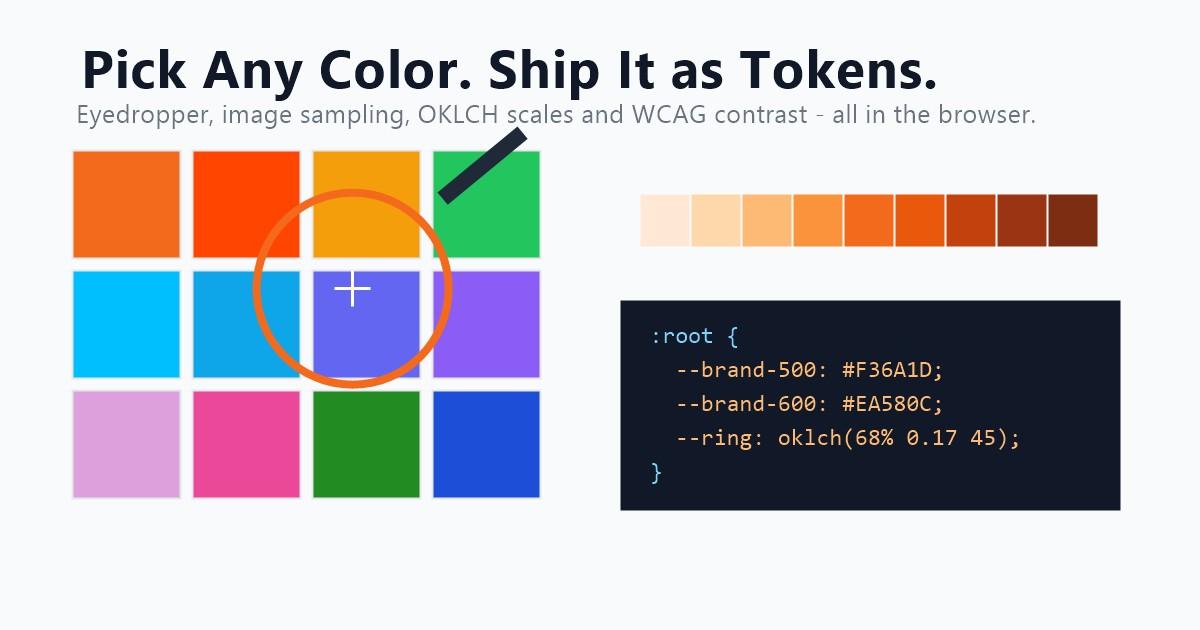
How to Pick a Color from an Image (and Ship It)
Sample the exact pixel from a photo, logo or screenshot, then turn it into HEX, RGB, OKLCH, a 50-950 scale and WCAG-safe design tokens.

How to Cite a Website: APA, MLA and Chicago Examples
Templates for citing a webpage in APA 7, MLA 9 and Chicago author-date, including no author, no date and DOI handling.

How to Create a QR Code for WiFi, Links and Payments
One scan connects guests to WiFi or customers to menus. Learn static vs dynamic codes, error-correction levels, and what data each QR type holds.