Hex to RGB Converter
Type a hex code, get the RGB triple — plus every other notation.
Last updated: November 1, 2026
Pick a color
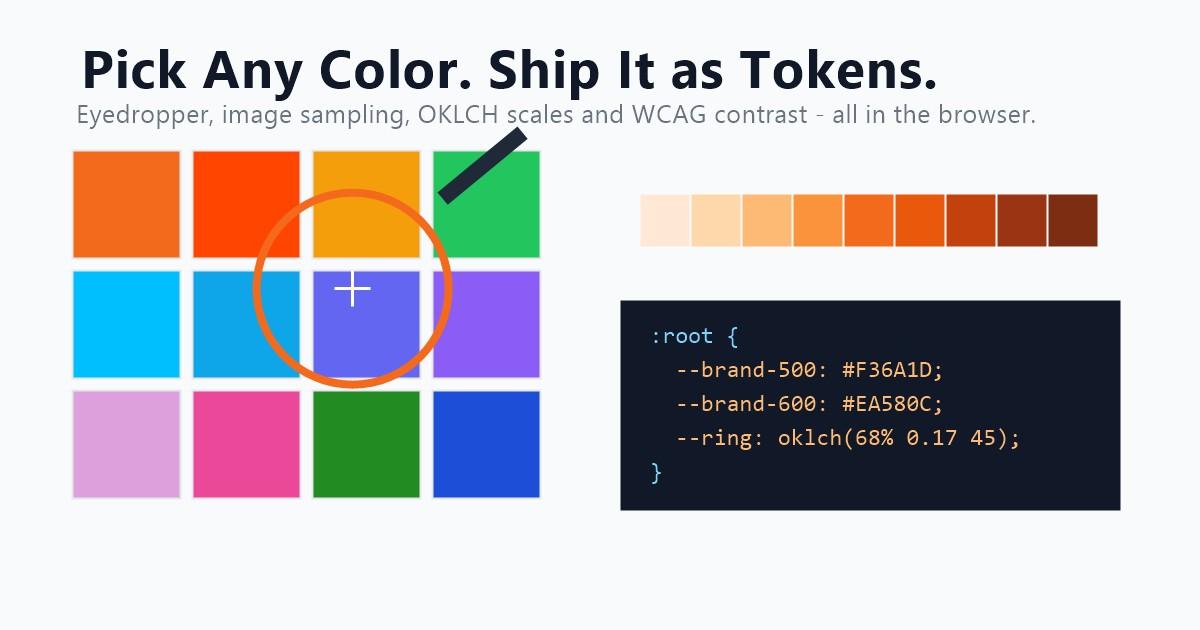
From anywhere on your screen, straight out of an image, or by typing any CSS color.
Or start from the current color
Color inspector
Every notation at once — click any row to copy it.
#F97316
Light warm red-orange
Best text on this fill
#111827 · 6.33:1
Light fill — near-black ink carries body copy here.
Copy it as
tap a box to copyEverything in this picker — tap to open
Is it readable? (WCAG 2.2)
Ratio, pass/fail for every threshold, and a fix that changes only lightness so the hue stays yours.
Text
Background
Ratio
2.80:1
ΔL* 36.3 · ΔL(ok) 29.5
The quick brown fox jumps over 13 lazy dogs.
Body copy at 13px — this is the size most interface text ships at, so the AA threshold is the one that matters.
- Body text · AA≥4.5:1
- Body text · AAA≥7:1
- Large text · AA≥3:1
- Large text · AAA≥4.5:1
- UI & icons · AA≥3:1
Fails AA for body text (2.80:1 vs the 4.5:1 requirement). Minimum comfortable size at this ratio: 24px. APCA — the perceptual model proposed for WCAG 3 — is not a legal requirement yet, and rules like the EU Accessibility Act reference WCAG 2.x, so this tool scores against WCAG 2.2 and reports the perceptual lightness gap alongside it.
Everything runs locally: the eyedropper uses your browser's own EyeDropper API, image sampling reads a canvas buffer in this tab, and nothing is uploaded, watermarked or logged.
Quick answer
Type or paste the hex code (with or without the #, 3, 4, 6 or 8 digits) and the RGB values appear instantly: each channel is the decimal of its two hex digits, so #F36A1D is rgb(243, 106, 29). Alpha comes from the last pair when present — #F36A1D80 is the same color at 50% opacity. One click copies rgb(), rgba(), hsl() or oklch().
About this tool
Hex is just base-16 shorthand for three 0-255 channels, but doing the arithmetic by hand is slow and easy to get wrong — especially with 3-digit shorthand, alpha pairs and named colors mixed into the same design file. This converter parses all of it and shows the live swatch beside every format, so you can sanity-check the color rather than trusting the numbers. It converts in both directions: edit the RGB sliders and the hex follows, which is how most people actually land on a value they want to keep.
How it works
Three steps, about a minute, no account.
Paste the hex
Type it in the input, or pick it from a screen or image first.
Read the RGB
Channels appear as 0-255 values and as rgb() / rgba() CSS.
Copy what you need
Click the row for the exact string your CSS, Figma or ticket needs.
Why this version is different
Two-Way
Hex to RGB and RGB back to hex with no reload.
Handles Shorthand
#F60, #FF6600 and #FF660080 all parse correctly.
Alpha Included
The 8th pair becomes the alpha channel, 0-1 and 0-100%.
More Than RGB
HSL, HSV, Lab, LCh, OKLCH, P3, CMYK, integer, nearest name.
Copy in One Click
Each row is a button; or copy the whole set as CSS variables.
Frequently asked questions
How is hex converted to RGB mathematically?
Split the six digits into three pairs, read each pair as base-16 and write it as decimal: F3 = 15x16 + 3 = 243. Do the same for 6A = 106 and 1D = 29.
What if my hex is only three digits?
Each digit doubles up, so #F60 means #FF6600. The converter expands it for you and shows the expanded form.
Does it accept CSS color names?
Yes — all 148 named colors, plus rgb(), hsl(), oklch(), lab(), lch(), color(display-p3 ...) and cmyk().
Why does my converted color look different in another tool?
Almost always color management: a tool applying a display profile or a wide-gamut space will render the same numbers differently. The values here are sRGB, the web default.
Want the whole workspace instead of this one panel? The full online color picker adds harmonies, tonal scales, extraction, gradients, the mixer and color-blindness checks.
More color tools
Twelve focused versions of the same picker — each one opens on the panel you came for.
More IMAGE Tools
Explore other helpful tools for your workflow