
Pick a Color from an Image
Click any pixel in a photo, logo or screenshot and get its exact value.
Last updated: November 1, 2026
Pick a color
From anywhere on your screen, straight out of an image, or by typing any CSS color.
Drop an image, screenshot or paste it
JPG · PNG · WebP · GIF · AVIF · HEIC — click to browse. It never leaves your device.
Tip: press Ctrl/Cmd + V anywhere on this page to paste a screenshot directly into the sampler.
Color inspector
Every notation at once — click any row to copy it.
#0EA5E9
Light cool sky blue
Best text on this fill
#111827 · 6.40:1
Light fill — near-black ink carries body copy here.
Copy it as
tap a box to copyPerceptual (OKLCH)
L*a*b*
64.1 -11 -44
LCh (CIE)
64 45.2 256°
CMYK
94 29 0 9
P3 primaries
0.294 0.700 0.875
Everything in this picker — tap to open
Extract palette from an image
Drop a photo, screenshot, logo or moodboard in the picker above — its dominant colors appear here.
No image loaded yet. Anything you drop stays on your device — extraction runs on the pixel buffer in this tab, so a 4000px photo takes about as long as a thumbnail.
Everything runs locally: the eyedropper uses your browser's own EyeDropper API, image sampling reads a canvas buffer in this tab, and nothing is uploaded, watermarked or logged.
Quick answer
Drop the image into the sampler (or paste a screenshot with Ctrl/Cmd + V), hover so the loupe lines up on the pixel you want, then click. The tool reads the stored pixel straight out of the decoded image buffer — not a screenshot of it — so you get the true HEX, RGB, HSL and OKLCH of that exact point, with no upload.
About this tool
Picking a color from an image is the one job design tools do badly by accident: a screenshot re-renders the pixel through the display pipeline, and an eyedropper over a compressed JPEG can land on an anti-aliased edge instead of the color you meant. This sampler decodes the file into an RGBA buffer and reads the specific pixel under your cursor, so the value you copy is the value the file holds. The 6x, 12x and 24x loupe with a pixel grid makes single-pixel accuracy realistic even on a 4000px photograph. It works in every browser, including Safari and Firefox, which have no screen eyedropper at all.
How it works
Three steps, about a minute, no account.
Load the image
Drop a JPG, PNG, WebP, GIF or AVIF onto the sampler, or paste a screenshot with Ctrl/Cmd + V.
Aim with the loupe
Move the cursor until the highlighted pixel is the one you want. Watch the live HEX under the loupe.
Click, then copy
One click locks the value into the inspector with all 14 notations ready to copy.
Why this version is different
True Pixel Values
Reads the decoded image buffer, not a rendered copy.
24x Pixel Loupe
Crosshair plus grid so you aim at one pixel, not four.
Paste a Screenshot
Ctrl/Cmd + V loads it — no file round trip needed.
Batch Pick a Palette
Toggle Add to palette and click your way through a moodboard.
Nothing Uploads
Decoding happens on your device; the file never leaves the tab.
Frequently asked questions
Why is the color I pick different from the one on my screen?
Displays, color profiles and HDR rendering all change what your eyes see. The sampler reports the numbers stored in the file, which is what any browser or design tool will reproduce from that HEX.
Can I pick several colors at once?
Turn on Adding to palette. Each click appends a swatch, and the extraction panel can also pull 4-12 dominant colors automatically.
Does it work on phone photos and HEIC files?
JPG and PNG always work. HEIC depends on browser decoding support — if it fails, convert with the HEIC to JPG tool first, which also runs in the browser.
Is the image uploaded anywhere?
No. The file is decoded with the canvas API inside the tab and released when you clear it.
Want the whole workspace instead of this one panel? The full online color picker adds harmonies, tonal scales, extraction, gradients, the mixer and color-blindness checks.
More color tools
Twelve focused versions of the same picker — each one opens on the panel you came for.
More IMAGE Tools
Explore other helpful tools for your workflow
Related Articles
View all articles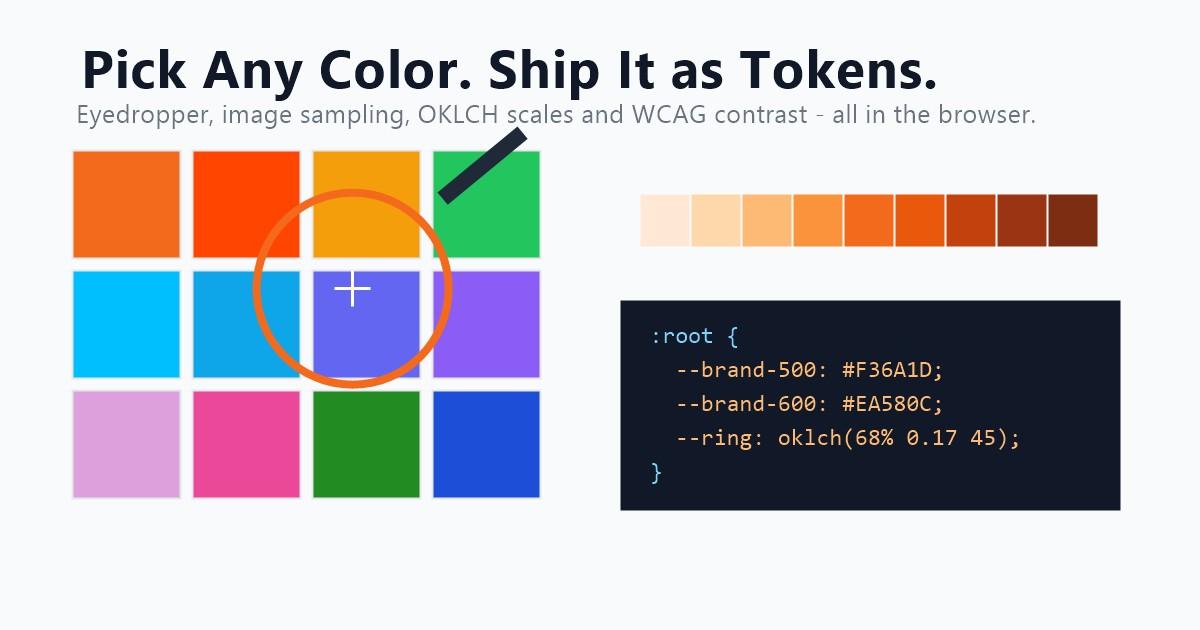
How to Pick a Color from an Image (and Ship It)
Sample the exact pixel from a photo, logo or screenshot, then turn it into HEX, RGB, OKLCH, a 50-950 scale and WCAG-safe design tokens.
How to Extract Text from Images With OCR
Screenshots, receipts, and whiteboard photos all hide usable text. Learn how OCR works, what affects accuracy, and how to get clean copy in seconds.

How to Crop Images Online Free: Sizes for Every Platform [2026]
Crop images to any size or aspect ratio free in your browser. Exact dimensions for passport, Instagram, YouTube, and LinkedIn.