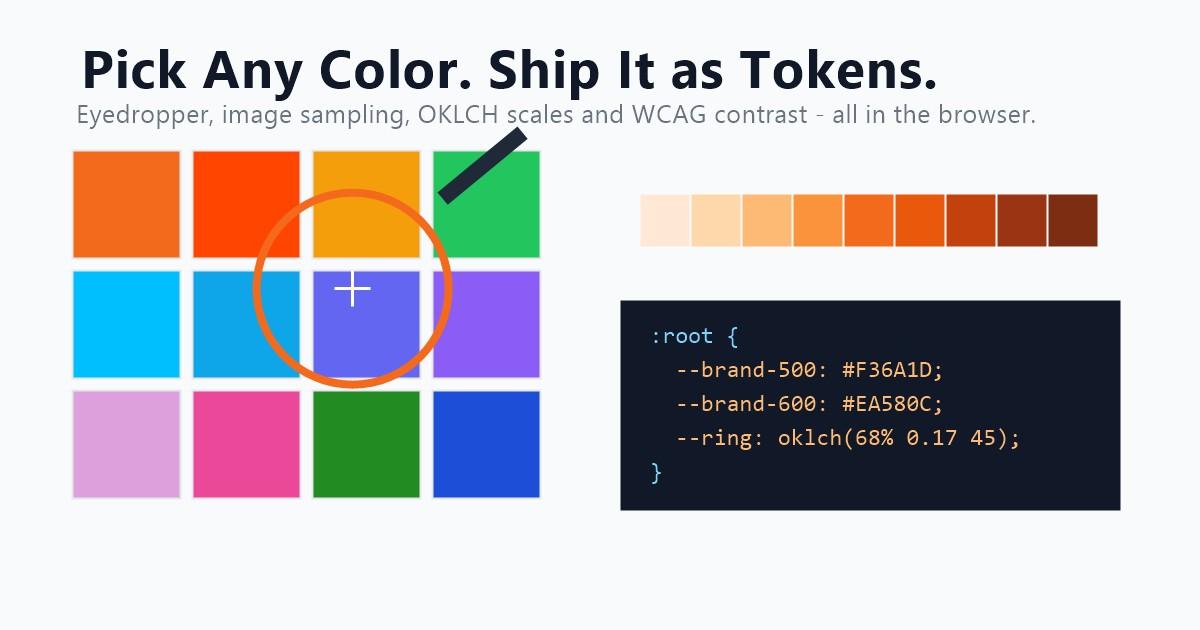
Screen Color Picker
A real eyedropper for anything visible on your display.
Last updated: November 1, 2026
Pick a color
From anywhere on your screen, straight out of an image, or by typing any CSS color.
The overlay covers the whole screen — including other tabs, apps and images — hover to preview a pixel, click to capture it. Nothing is read or stored until you click, and the picked value is a plain sRGB hex.
Color inspector
Every notation at once — click any row to copy it.
#F36A1D
Light warm red-orange
Best text on this fill
#111827 · 5.82:1
Light fill — near-black ink carries body copy here.
Copy it as
tap a box to copyPerceptual (OKLCH)
L*a*b*
61.2 49 63
LCh (CIE)
61 80.2 52°
CMYK
0 56 88 5
P3 primaries
0.887 0.454 0.195
Everything in this picker — tap to open
Light → dark ramp (50–950)
Eleven perceptually even steps from one base color — the ramp a design system ships.
Lightness anchors follow the OKLCH ramps used by Tailwind v4 and Radix Colors (50 → 96.8% L, 500 → 65.5% L, 950 → 26.8% L). Chroma peaks near 600 and falls off at both ends, which is why the extremes stay clean instead of turning neon or mud. Base hue here is 44° at 68% lightness.
Light step
#B93300
5.94:1 vs white text · use on light surfaces
Dark step
#FF7C36
Same hue, same chroma — the pair CSS light-dark() wants
Everything runs locally: the eyedropper uses your browser's own EyeDropper API, image sampling reads a canvas buffer in this tab, and nothing is uploaded, watermarked or logged.
Quick answer
Press C (or click Launch eyedropper). Your browser draws its own magnified overlay across the whole screen — other tabs, images, videos, desktop apps — and when you click, it hands back one HEX value. Nothing on this page sees your screen, and there is nothing to install. It works in desktop Chrome, Edge, Brave and Opera; on Safari, Firefox and Android, paste a screenshot into the image sampler instead.
About this tool
A screen color picker has to reach past the browser window, and only the EyeDropper API can do that in a web page. It shipped in Chrome 95 and has been the standard route for designers, developers and support teams ever since: one keystroke, one click, one exact value. The API is deliberately privacy-preserving — it needs a user gesture, returns a single sRGB hex, and gives the page no continuous screen access. This page wraps it with the fallback people actually need, because Safari and Firefox still do not expose it: paste a screenshot (Ctrl/Cmd + V) or drop the image, and the pixel sampler gives identical results with a 24x loupe.
How it works
Three steps, about a minute, no account.
Press C
The native eyedropper overlay appears and covers everything visible.
Hover to preview
The magnifier shows the pixel and its HEX before you commit.
Click to capture
The color lands in the inspector; press C again for another.
Why this version is different
One Keystroke
Press C anywhere on the page to start picking.
Whole Screen
Samples outside the browser tab, including desktop apps.
No Install
The browser does the work — nothing added to your machine.
Built-in Fallback
Screenshot paste plus pixel sampler for Safari and Firefox.
Every Format
HEX, RGB, HSL, OKLCH, Lab, CMYK and nearest CSS name at once.
Frequently asked questions
The eyedropper button does nothing in my browser — why?
The EyeDropper API is not available in Safari or Firefox, and not in Chrome for Android. The page detects this and switches to the image sampler, where you paste a screenshot instead.
Is there a screen color picker for Mac?
macOS ships DigitalColor Meter, and Shift + Control + Command + 4 then C gives a screnshot-mode eyedropper. If you would rather not leave the browser, paste a screenshot into the sampler here.
What about Windows?
PowerToys Color Picker uses Win + Shift + C and gives HEX, RGB and HSL. This page needs no install at all.
Can it read a color from a video frame?
Yes — pause the video, start the eyedropper, and click the frame. Screenshots of the frame work too, with pixel-exact readings.
Does it store what I pick?
Only in localStorage on your own device, for the recent-picks rail. Clear it with one click; nothing is sent to a server.
Want the whole workspace instead of this one panel? The full online color picker adds harmonies, tonal scales, extraction, gradients, the mixer and color-blindness checks.
More color tools
Twelve focused versions of the same picker — each one opens on the panel you came for.
More IMAGE Tools
Explore other helpful tools for your workflow