
Tailwind Color Scale Generator
One hex in, an eleven-step 50-950 ramp out.
Last updated: November 1, 2026
Pick a color
From anywhere on your screen, straight out of an image, or by typing any CSS color.
The overlay covers the whole screen — including other tabs, apps and images — hover to preview a pixel, click to capture it. Nothing is read or stored until you click, and the picked value is a plain sRGB hex.
Color inspector
Every notation at once — click any row to copy it.
#F36A1D
Light warm red-orange
Best text on this fill
#111827 · 5.82:1
Light fill — near-black ink carries body copy here.
Copy it as
tap a box to copyPerceptual (OKLCH)
L*a*b*
61.2 49 63
LCh (CIE)
61 80.2 52°
CMYK
0 56 88 5
P3 primaries
0.887 0.454 0.195
Everything in this picker — tap to open
Matching colors (harmonies)
Neighbouring hues (±30°). Calm, cohesive, the safest UI family.
How to use this scheme
Analogous sets are the safest thing to ship: backgrounds, surfaces and borders can all come from the same family, and the UI still reads as calm. Add a neutral and one high-chroma accent, and you have a product palette.
Everything runs locally: the eyedropper uses your browser's own EyeDropper API, image sampling reads a canvas buffer in this tab, and nothing is uploaded, watermarked or logged.
Quick answer
Enter your brand hex and get 50, 100, 200 … 900, 950 built on OKLCH lightness anchors (50 ≈ 96.8% L, 500 ≈ 65.5% L, 950 ≈ 26.8% L) with chroma peaking near 600 so the extremes stay clean. Pin the base step if your exact hex has to survive, tune chroma shaping, then copy a Tailwind v4 @theme block or a v3 config object.
About this tool
A hand-built Tailwind palette usually fails in the same two places: the 50-100 steps turn neon because chroma was carried up unchanged, and the 800-950 steps turn muddy because hue drifts as lightness drops. Anchoring every step to a fixed OKLCH lightness and shaping chroma around the mid-scale avoids both, which is roughly how Tailwind v4 and Radix built their own ramps. This generator keeps your exact hex available — pin it to the nearest step so brand color never shifts by one digit — and exports both the CSS-first v4 format and the JavaScript v3 config, plus SCSS, LESS and DTCG tokens so the same ramp can serve a marketing site and a native app.
How it works
Three steps, about a minute, no account.
Enter the brand color
Type a hex or sample it from a logo with the image picker.
Tune the ramp
Pin the base step and adjust chroma shaping until the extremes look right.
Copy into your project
Paste the @theme block for v4 or the colors object for v3.
Why this version is different
Eleven Standard Steps
50-950 names match Tailwind and most design-token conventions.
Pin the Brand Hex
Keep your exact color as one step instead of an approximation.
Chroma Shaping
One slider trades fidelity for clean tints and shades.
v4 and v3 Output
@theme CSS block or tailwind.config.js object, copy-ready.
Contrast Visible
Each step shows its ratio on white and near-black.
Frequently asked questions
How does Tailwind name its shades?
Eleven steps per color — 50 is the palest, 950 the deepest, and 500-600 are usually the base brand values. Steps are referenced as utilities such as bg-brand-600 once defined.
Will the pinned step stay exactly my hex?
Yes. Pinning writes your original value into the chosen step and derives every other step around it, so brand fidelity survives the ramp.
What is chroma shaping?
How much the ramp desaturates at the ends. High shaping gives realistic tints and shades; zero keeps your chroma at every step, which is often too loud at 50 and 950.
Which step should be my primary button color?
Usually 600 or 700 — both clear 4.5:1 with white text for most hues. Check the contrast tab rather than assuming, since orange and teal primaries frequently fail at 500.
Want the whole workspace instead of this one panel? The full online color picker adds harmonies, tonal scales, extraction, gradients, the mixer and color-blindness checks.
More color tools
Twelve focused versions of the same picker — each one opens on the panel you came for.
More IMAGE Tools
Explore other helpful tools for your workflow
Related Articles
View all articles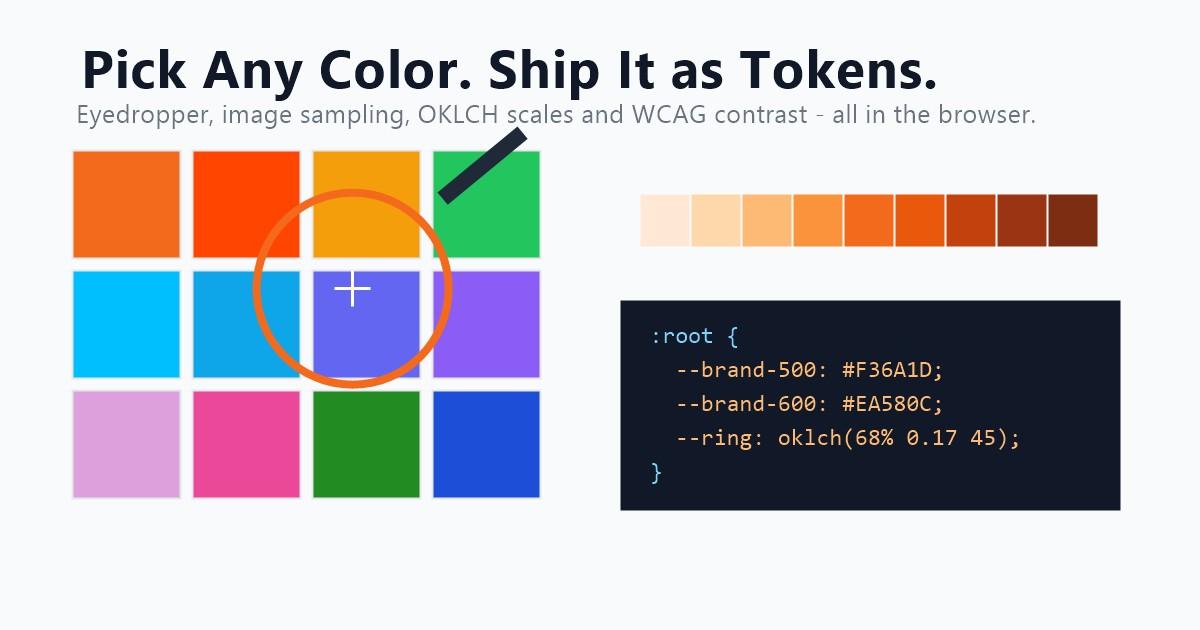
How to Pick a Color from an Image (and Ship It)
Sample the exact pixel from a photo, logo or screenshot, then turn it into HEX, RGB, OKLCH, a 50-950 scale and WCAG-safe design tokens.

How to Cite a Website: APA, MLA and Chicago Examples
Templates for citing a webpage in APA 7, MLA 9 and Chicago author-date, including no author, no date and DOI handling.
How to Calculate GPA: 4.0 Scale, Weighted & Final Grades [2026]
GPA formula with worked examples: unweighted 4.0 scale, weighted AP/honors, and what final-exam score saves your grade.