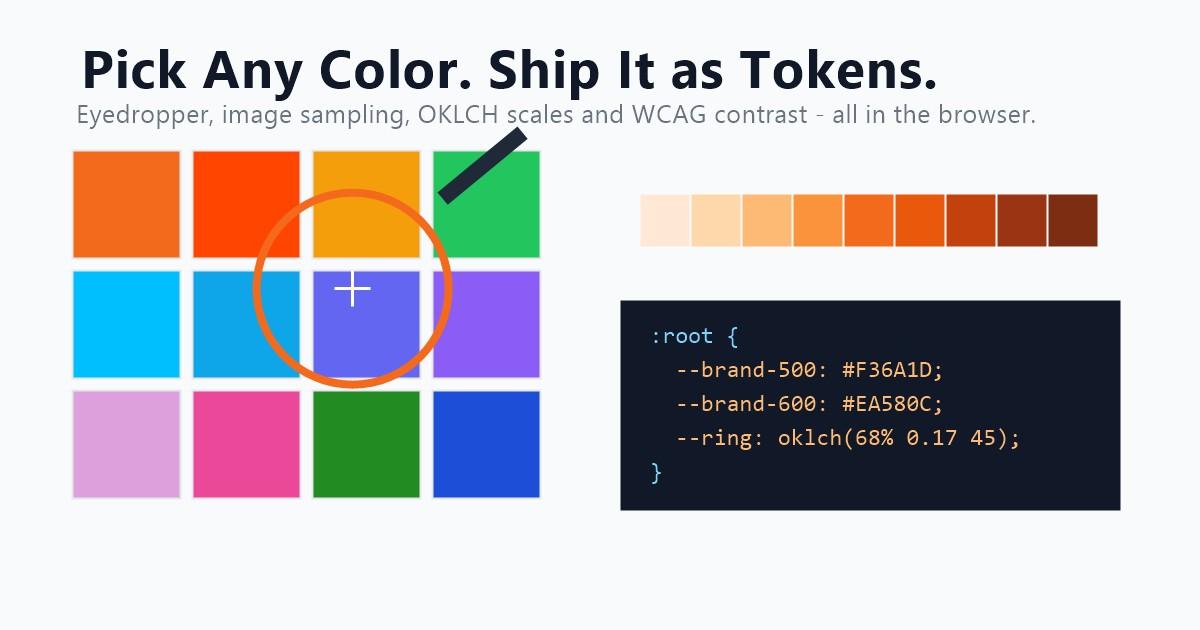
OKLCH Color Picker
Perceptual sliders, gamut-clipped output, token-ready CSS.
Last updated: November 1, 2026
Pick a color
From anywhere on your screen, straight out of an image, or by typing any CSS color.
Or start from the current color
Color inspector
Every notation at once — click any row to copy it.
#F36A1D
Light warm red-orange
Best text on this fill
#111827 · 5.82:1
Light fill — near-black ink carries body copy here.
Copy it as
tap a box to copyEverything in this picker — tap to open
Is it readable? (WCAG 2.2)
Ratio, pass/fail for every threshold, and a fix that changes only lightness so the hue stays yours.
Text
Background
Ratio
3.05:1
ΔL* 38.8 · ΔL(ok) 31.6
The quick brown fox jumps over 13 lazy dogs.
Body copy at 13px — this is the size most interface text ships at, so the AA threshold is the one that matters.
- Body text · AA≥4.5:1
- Body text · AAA≥7:1
- Large text · AA≥3:1
- Large text · AAA≥4.5:1
- UI & icons · AA≥3:1
Fails AA for body text (3.05:1 vs the 4.5:1 requirement). Minimum comfortable size at this ratio: 18px. APCA — the perceptual model proposed for WCAG 3 — is not a legal requirement yet, and rules like the EU Accessibility Act reference WCAG 2.x, so this tool scores against WCAG 2.2 and reports the perceptual lightness gap alongside it.
Everything runs locally: the eyedropper uses your browser's own EyeDropper API, image sampling reads a canvas buffer in this tab, and nothing is uploaded, watermarked or logged.
Quick answer
OKLCH encodes a color as Lightness (0-100%), Chroma and Hue, where equal numbers mean equal perceived steps — unlike HSL, where 50% lightness means different things on every hue. This picker edits in OKLCH with dedicated L/C/H sliders, converts to hex and sRGB with gamut clipping (chroma reduces until the color fits, preserving L and hue), and outputs oklch() tokens ready for Tailwind v4.
About this tool
HSL was designed as a compact way to describe sRGB, not as a perceptual scale. Ask HSL for 50% lightness on yellow and you get something near white; ask for 50% on blue and you get something near black, which is why generated palettes so often feel lopsided. OKLCH fixes that: lightness tracks how bright a color looks, chroma tracks how strong it is, and hue rotates evenly. It is why Tailwind v4 and Radix Colors describe their ramps in OKLCH. The catch is that most OKLCH values are outside sRGB, so a picker has to map them back with a documented rule — this one reduces chroma at constant lightness and hue, matching the oklab.css gamut-mapping approach, and tells you when it has done so.
How it works
Three steps, about a minute, no account.
Drag L, C and H
Watch the swatch move in even perceptual steps.
Check the gamut badge
See whether the value is inside sRGB and what the P3 form is.
Copy the token
oklch(), oklab(), hex, and a generated scale if you need one.
Why this version is different
True L/C/H Sliders
Edit lightness, chroma and hue on perceptual axes.
Gamut-Clipped Output
Chroma reduced at constant L and h so sRGB stays faithful.
Outside-sRGB Flag
Clear warning when a value only exists in a wide gamut.
OKLCH Scales
50-950 ramps anchored to OKLCH lightness stops.
Token Export
oklch() CSS variables, Tailwind v4 @theme and DTCG JSON.
Frequently asked questions
What does OKLCH stand for?
Oklab Lightness, Chroma, Hue — a cylindrical form of the Oklab space designed by Björn Ottosson in 2020 for perceptual uniformity across the whole gamut.
Why is my oklch() color not rendering?
Most likely the value is outside sRGB in a browser that clips differently, or the syntax mixes percentage and number forms. This tool always emits a clamped, in-gamut sRGB hex alongside the oklch() string.
Is OKLCH better than HSL for accessibility?
Better for controlling contrast, because lightness tracks perceived brightness — a scale built in OKLCH has predictable luminance steps. Contrast itself is still measured with the WCAG 2.2 formula.
Does Tailwind v4 really use OKLCH?
Yes. Tailwind v4 defines its default palette with oklch() values, which is why its ramps look more even than v3 sRGB hexes at the same step names.
Want the whole workspace instead of this one panel? The full online color picker adds harmonies, tonal scales, extraction, gradients, the mixer and color-blindness checks.
More color tools
Twelve focused versions of the same picker — each one opens on the panel you came for.
More IMAGE Tools
Explore other helpful tools for your workflow