
Image to Color Palette
Extract 4-12 real colors from any picture, ready to export.
Last updated: November 1, 2026
Pick a color
From anywhere on your screen, straight out of an image, or by typing any CSS color.
Drop an image, screenshot or paste it
JPG · PNG · WebP · GIF · AVIF · HEIC — click to browse. It never leaves your device.
Tip: press Ctrl/Cmd + V anywhere on this page to paste a screenshot directly into the sampler.
Color inspector
Every notation at once — click any row to copy it.
#8B5CF6
Medium vivid cool blue-violet
Best text on this fill
#FFFFFF · 4.23:1
Light fill — near-black ink carries body copy here.
Copy it as
tap a box to copyPerceptual (OKLCH)
L*a*b*
51.6 53 -71
LCh (CIE)
52 88.4 307°
CMYK
43 63 0 4
P3 primaries
0.518 0.489 0.916
Everything in this picker — tap to open
Extract palette from an image
Drop a photo, screenshot, logo or moodboard in the picker above — its dominant colors appear here.
No image loaded yet. Anything you drop stays on your device — extraction runs on the pixel buffer in this tab, so a 4000px photo takes about as long as a thumbnail.
Everything runs locally: the eyedropper uses your browser's own EyeDropper API, image sampling reads a canvas buffer in this tab, and nothing is uploaded, watermarked or logged.
Quick answer
Drop the image on the picker, open the From image tab, and choose 4, 6, 8 or 12 colors. The tool runs median cut to seed clusters, k-means over up to 20,000 sampled pixels to snap them to colors that actually recur, then dedupes by CIEDE2000 so two swatches are never the same color. Every swatch gets a role (Vibrant, Muted, Dark accent, Neutral) and exports as CSS, Tailwind or design tokens.
About this tool
Naive palette extractors return the most common pixel buckets, which is why so many generated palettes contain three nearly identical grays and miss the accent you cared about. This one clusters first, refines with k-means, then measures perceptual distance between the candidates and drops duplicates below ΔE 12 — so the set you get is the set that is in the image. Near-white and near-black background pixels can be excluded, which is the difference between a useful palette and a wall of white. The result is a ranked list with the share of pixels behind each color, so you can pick a dominant, two supports and an accent with actual evidence.
How it works
Three steps, about a minute, no account.
Load the image
A photo, logo, moodboard or screenshot — paste works too.
Choose a count
Pick 4, 6, 8 or 12 colors and toggle background filtering.
Export the set
Add all to the palette, then copy tokens or download the sheet.
Why this version is different
K-means Refined
Swatches land on colors that genuinely recur, not bucket averages.
Perceptual Dedupe
CIEDE2000 screening kills the near-identical grays.
Role Labels
Vibrant, Muted, Light accent, Dark accent, Neutral — ready for a spec.
Coverage Percentages
Each swatch shows its share of the image, so 60-30-10 is measurable.
Instant Export
CSS, Tailwind v4, SCSS, JSON tokens, SVG sheet or PNG.
Frequently asked questions
How many colors should I extract?
Six is the sweet spot for most brand work: one dominant, two supports, one accent and two neutrals. Go to 8-12 for data visualization where each series needs its own color.
Why did my brand color not show up?
It probably occupies a tiny share of the image. Lower the minimum share by asking for more colors, or click the pixel directly with the loupe and add it manually.
Is the extraction deterministic?
Yes — the same file gives the same palette, so shared links and re-runs stay reproducible.
Does it upload my images?
No. Decoding and clustering happen on the canvas buffer in your browser, and clearing the image releases it.
Can I use this for a logo?
That is the common use: drop the logo in, filter out the background, and you have the exact brand hexes with no guessing.
Want the whole workspace instead of this one panel? The full online color picker adds harmonies, tonal scales, extraction, gradients, the mixer and color-blindness checks.
More color tools
Twelve focused versions of the same picker — each one opens on the panel you came for.
More IMAGE Tools
Explore other helpful tools for your workflow
Related Articles
View all articles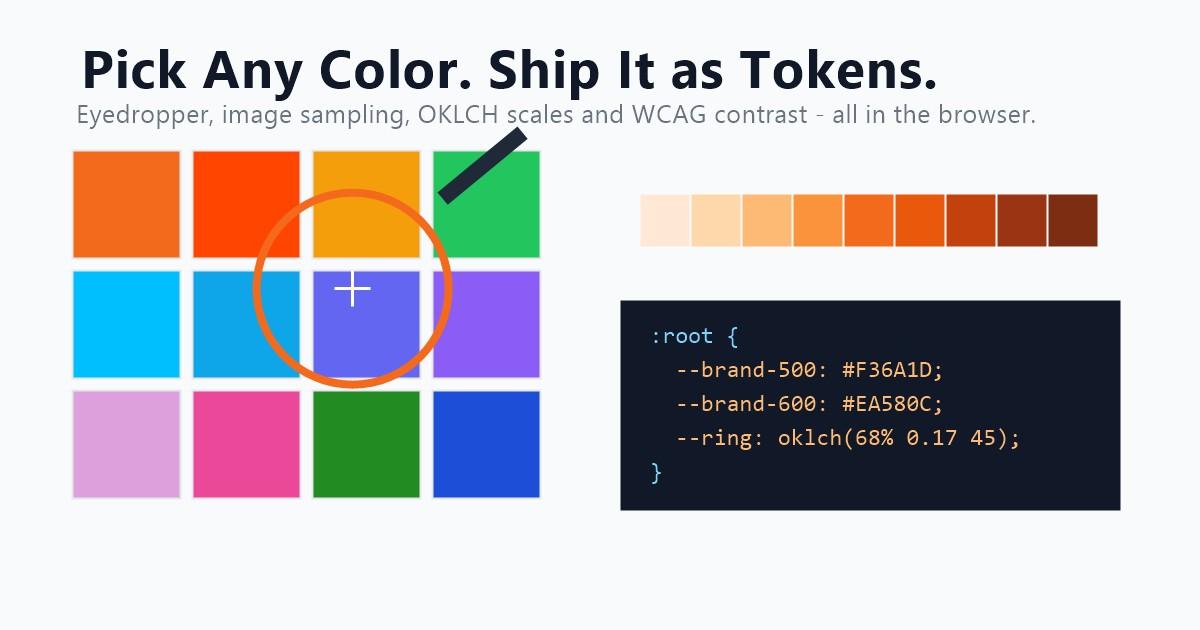
How to Pick a Color from an Image (and Ship It)
Sample the exact pixel from a photo, logo or screenshot, then turn it into HEX, RGB, OKLCH, a 50-950 scale and WCAG-safe design tokens.

How to Crop Images Online Free: Sizes for Every Platform [2026]
Crop images to any size or aspect ratio free in your browser. Exact dimensions for passport, Instagram, YouTube, and LinkedIn.
How to Extract Text from Images With OCR
Screenshots, receipts, and whiteboard photos all hide usable text. Learn how OCR works, what affects accuracy, and how to get clean copy in seconds.